
Everything Your AI Can Do With Dadan
72 tools across 14 areas, with prompts you can paste straight into Claude or ChatGPT. You never need a tool name or an id. Just ask.





One Request, a Whole Workflow
You Ask Once. The Assistant Runs the Play.
Behind a single sentence, your assistant chains the tools it needs and reports back with one answer.
Your Request“Record my call with Fernhill Studio, recap it, add a booking button, share it and tell me who booked.”
It Joins the Call and Records It
The Dadan notetaker enters your Zoom or Meet and captures every word.
 record_meeting
Library & Discovery · 4 Tools
Find the Moment, Not Just the File
Search titles, descriptions, tags and full transcripts across every library, so “the part where we talked about onboarding” is one sentence away.
Explore Library & DiscoveryMeetings · 5 Tools
Send the Bot, Get the Record
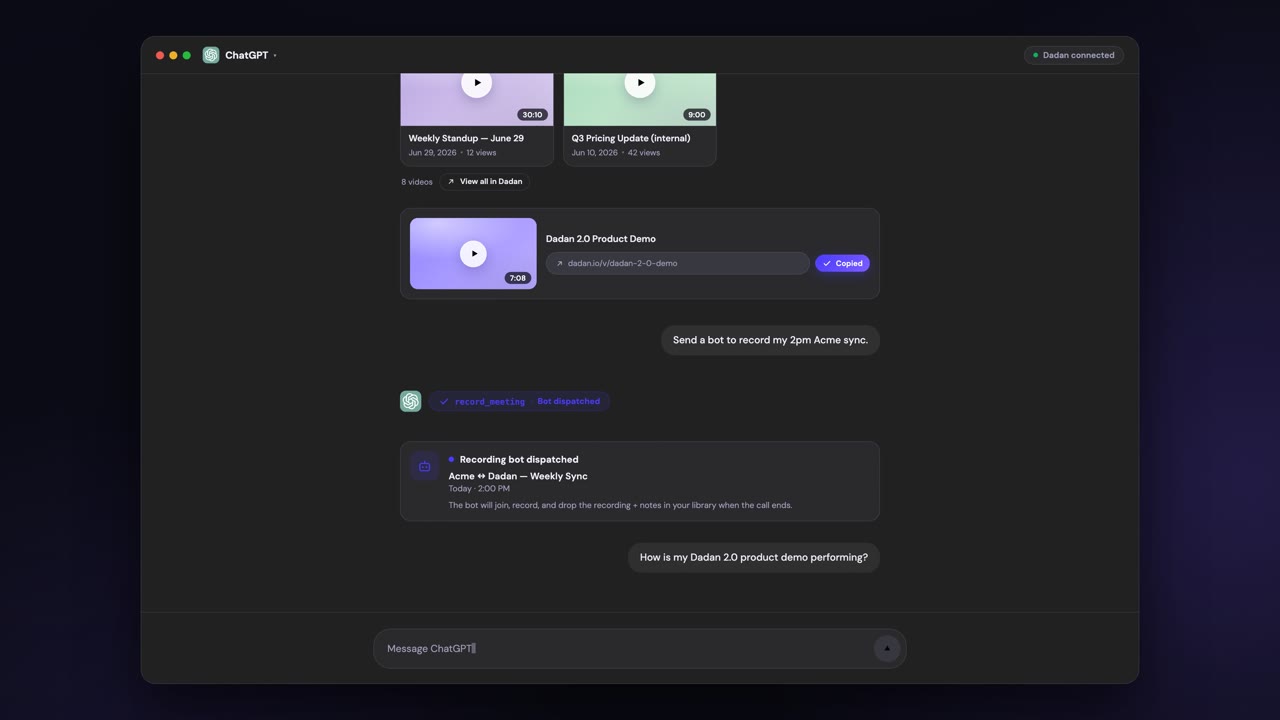
Record Zoom, Google Meet, Teams and GoTo calls from a link or your calendar, check your recording allowance and see who did the talking.
Explore MeetingsTranscript & AI · 6 Tools
Every Recording, Readable
Transcribe, then pull timestamped transcripts, AI summaries, meeting notes in templates like MEDDIC, chapters, and titles, descriptions and tags.
Explore Transcript & AIStudio Editing · 9 Tools
Edit Without Opening an Editor
Trim, reframe to vertical, add a title card or your logo, blur a region, punch in a zoom, duck the audio, lay in music or stitch clips. Each edit renders a new copy.
Interactions & Leads · 5 Tools
Video That Converts
Add polls, quizzes, ratings, calls-to-action and lead forms at any moment, then read the answers and the leads they bring in.
Explore Interactions & LeadsTranslation & Captions · 5 Tools
Reach Every Market
Turn a transcript into captions in other languages, see which tracks a video has, and remove the ones you no longer need.
Explore Translation & CaptionsAnalytics & Insights · 3 Tools
The Numbers, Explained
Per-video views, play rate, CTA clicks and form responses, plus a review of your library that says what to improve.
Explore Analytics & InsightsVideo Editing & Lifecycle · 10 Tools
From Upload to Archive
Upload from a link or your device, rename, set chapters, duplicate, move, publish, schedule, archive and restore. Nothing is deleted by surprise.
Request a Recording · 4 Tools
Collect Video from Anyone
Create a link that lets customers, candidates or students record straight into your library, with your instructions and folder.
Explore Request a RecordingPlaylists · 8 Tools
Curate and Share a Set
Group videos into named playlists, reorder them and hand out one link.
Folders & Teams · 7 Tools
A Library That Stays Tidy
Create and arrange folders, spin up shared team libraries and see who is on each team.
Explore Folders & TeamsSharing · 1 Tool
Share in a Sentence
One share link, embed code and no-login watch link per video. Reused, never duplicated, with optional password and expiry.
Explore SharingHelp Center · 2 Tools
Answers from the Help Center
Your assistant searches Dadan’s official help articles, gives you the steps and links the article it used.
Explore Help CenterAccount & System · 3 Tools
Know Where You Stand
Check your plan and usage, follow background jobs and confirm the connection works.
Explore Account & SystemBuilt on Open Standards
No lock-in, no custom SDK and no keys to leak.
72 Reasons to Stop Clicking
Connect Dadan to your assistant and run your video workspace by asking.